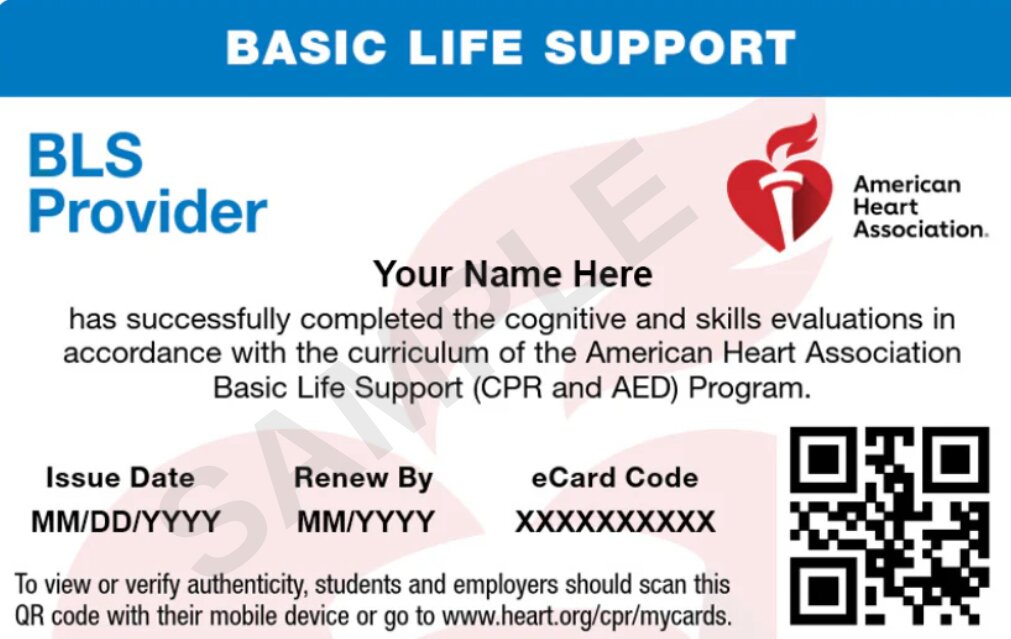
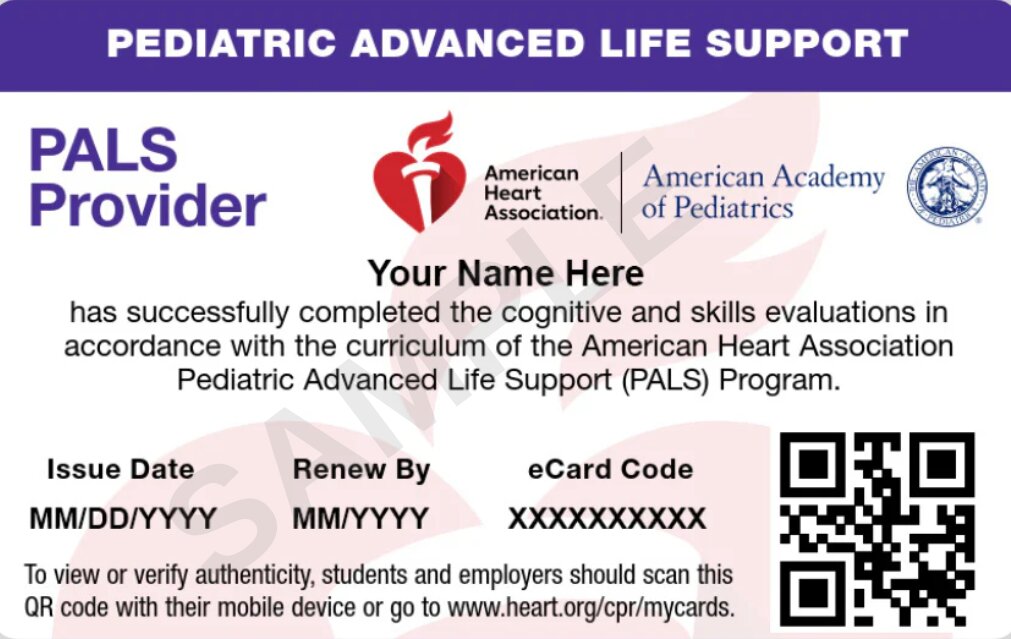
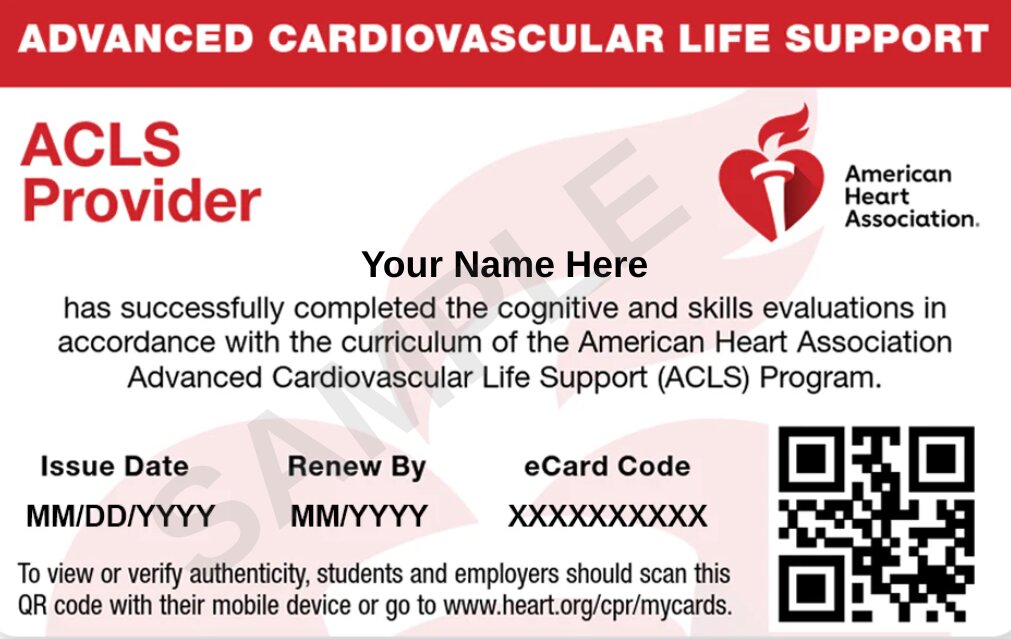
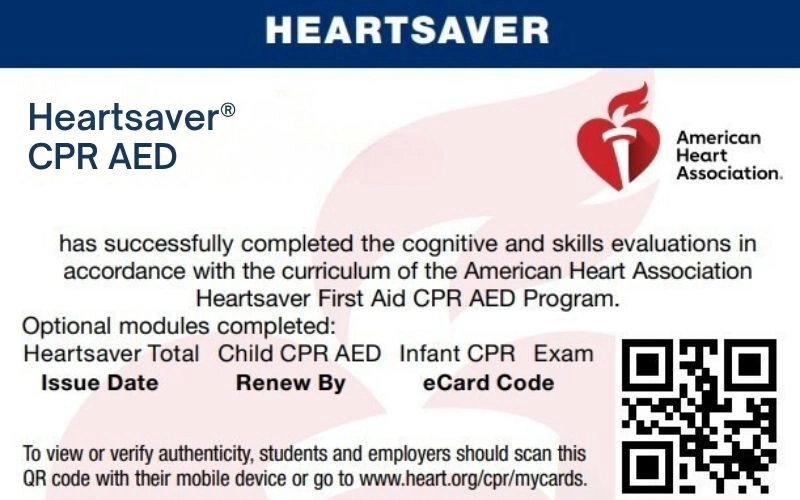
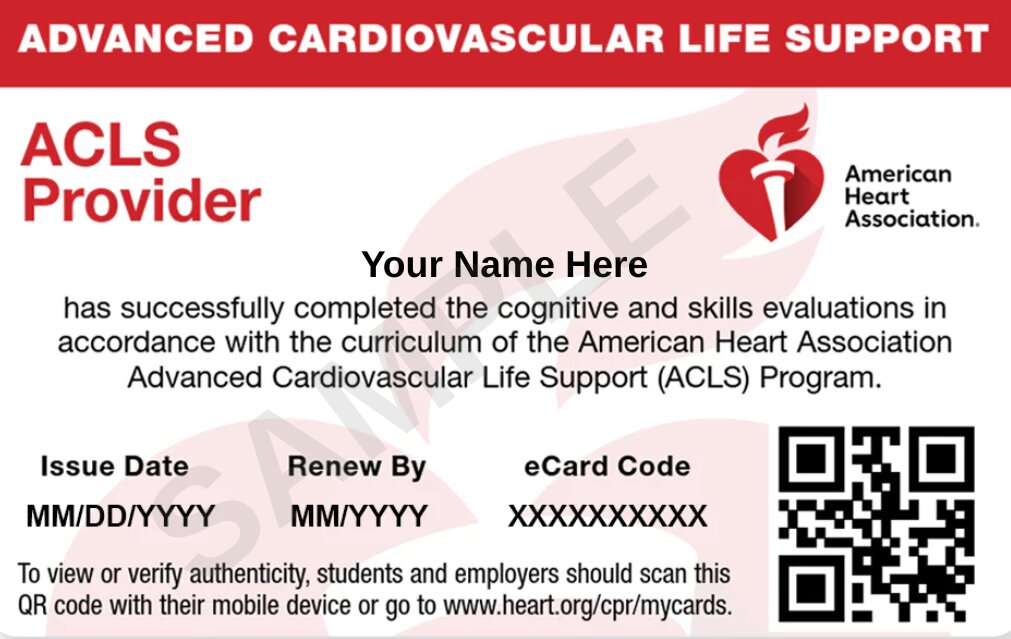
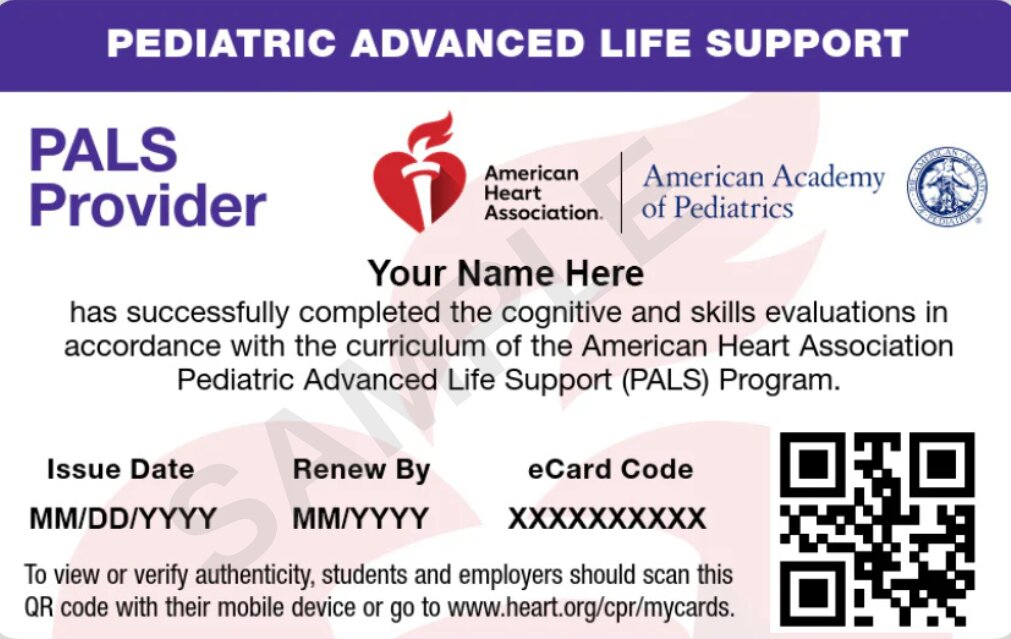
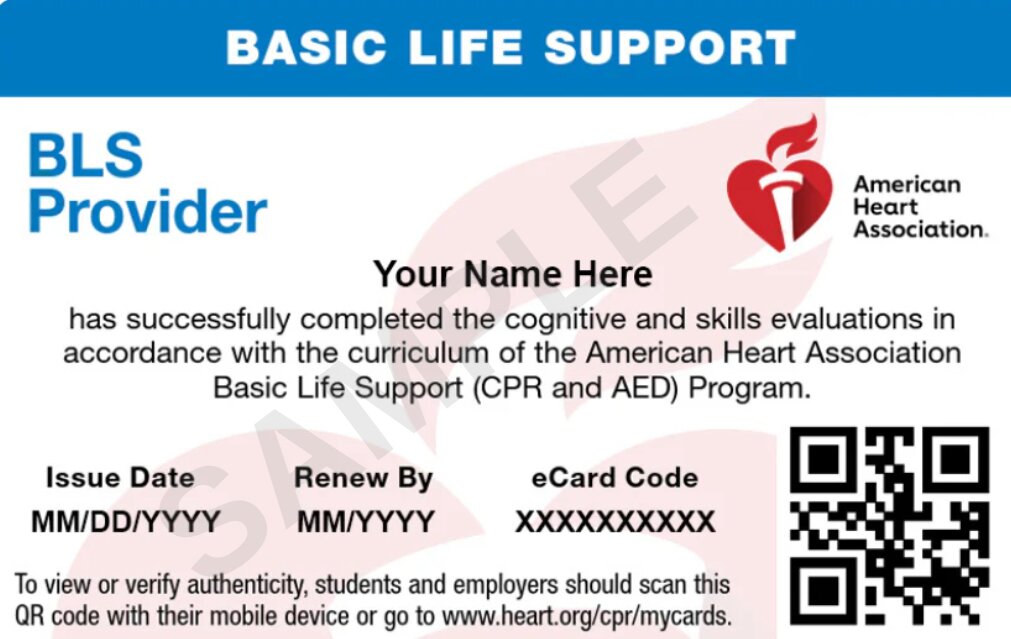
After completing your Self-Guided Learning course and skills session at a CPR Verification Station, your American Heart Association (AHA) Course Completion eCard will be issued by the Training Center.
Once your eCard has been issued, you can claim and view it online through the AHA eCards system.
Claim Your eCard via Email
You may receive an email from eCards@heart.org with a link to claim your eCard. Check your spam or junk folder if you do not see the email in your inbox.
1
Open the email and select the link to claim your eCard.
2
Review your information on the Student Profile page, including your name, email address, phone number if provided, eCard code, and Training Center information.
3
If any information is incorrect, contact your Training Center.
4
Set up your security question and answer.
5
Accept the terms and select Submit.
6
Complete the course survey.
7
After completing the survey, your eCard will be displayed. You can save or print it.
8
You will receive an email confirmation after your eCard has been claimed. Keep this email for your records.
Claim Your eCard Through the AHA eCards Website
If you do not receive the email, you can search for your eCard directly through the AHA eCards system.
1
Go to the AHA eCards Search page.
2
Select the Student tab.
3
Enter your First Name, Last Name, and Email Address used when registering for the course.
4
You can also search using your eCard Code.
5
Select Search.
6
If your eCard appears under My eCards as Unclaimed, select Claim.
7
Set up your security question and answer.
8
Accept the terms and select Submit.
9
Complete the course survey.
10
Your eCard will then be displayed.
Claim Your eCard by SMS Text
SMS claiming is available when your mobile phone number has been entered into the AHA eCard system by the Training Center when your eCard is issued. If your phone number is registered:
1
Text eCard to 51736.
2
Follow the instructions you receive by text message.
3
Complete the steps to claim your eCard.
How to View Your Claimed eCard
Once you have claimed your eCard:
1
Go to the AHA eCards Search page.
2
Select the Student tab.
3
Enter your First Name, Last Name, and Email Address, or use your eCard Code.
4
Select Search.
5
Answer your security question.
6
Select your eCard under My eCards.
Download your Ecard
Select View eCard and choose the card size you want:
Full
Wallet
You can then save or print your eCard.
Email Your eCard
Select View eCard and choose the card size you want:
Select Email Cards.
Enter the email address where you want the card sent.
Select Email.
Claim your achievement
How an Employer Can Verify Your AHA eCard
Your employer can verify your AHA eCard after you have claimed it.
Go to the AHA eCards Search page.
Select the Employer tab.
Enter the eCard Code.
Select Verify.
The eCard status will be displayed.
Need Help With Your eCard?
If you enrolled through Maryland CPR Classes and have trouble finding, claiming, or viewing your AHA eCard, or if your course information is incorrect, contact our team for assistance. We can help verify your course information and guide you through the eCard process.